

Invoice Don't Scare Us Anymore


The Spark Behind the Automation Journey
Our accounts payable teams were spending countless hours every week handling supplier invoices. First saving them from emails and then listing them manually before entry into the Enterprise System.
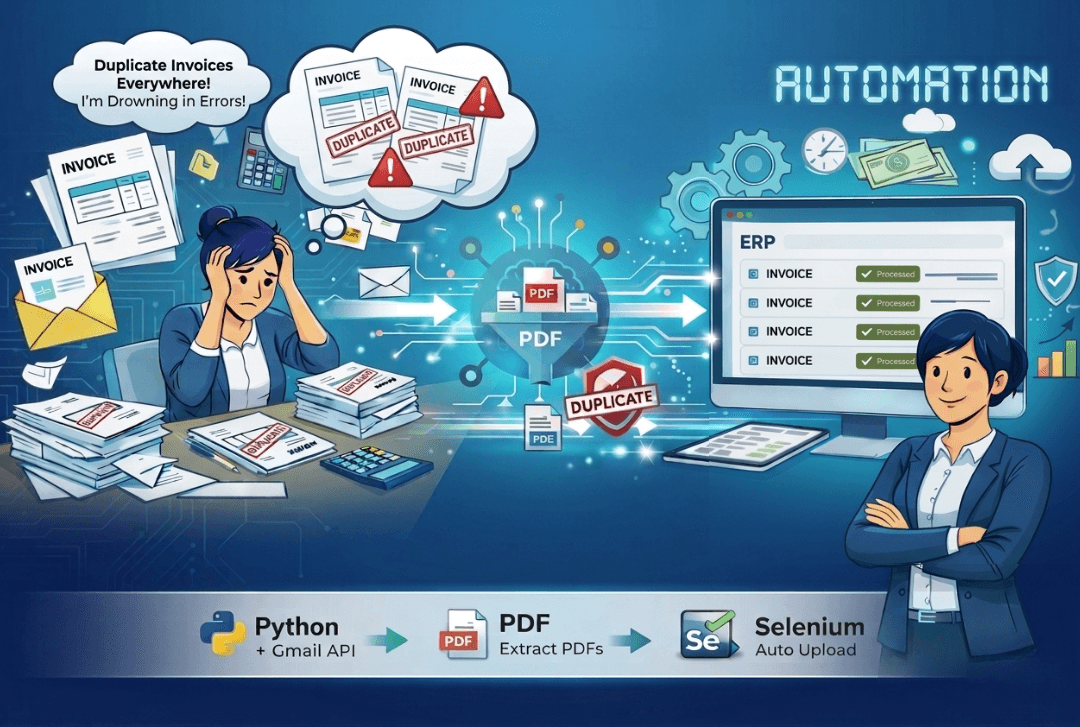
The process was repetitive, time-consuming, and prone to human error. Missed attachments, duplicate downloads, and incorrect data entries were frequent issues that affected productivity and accuracy.
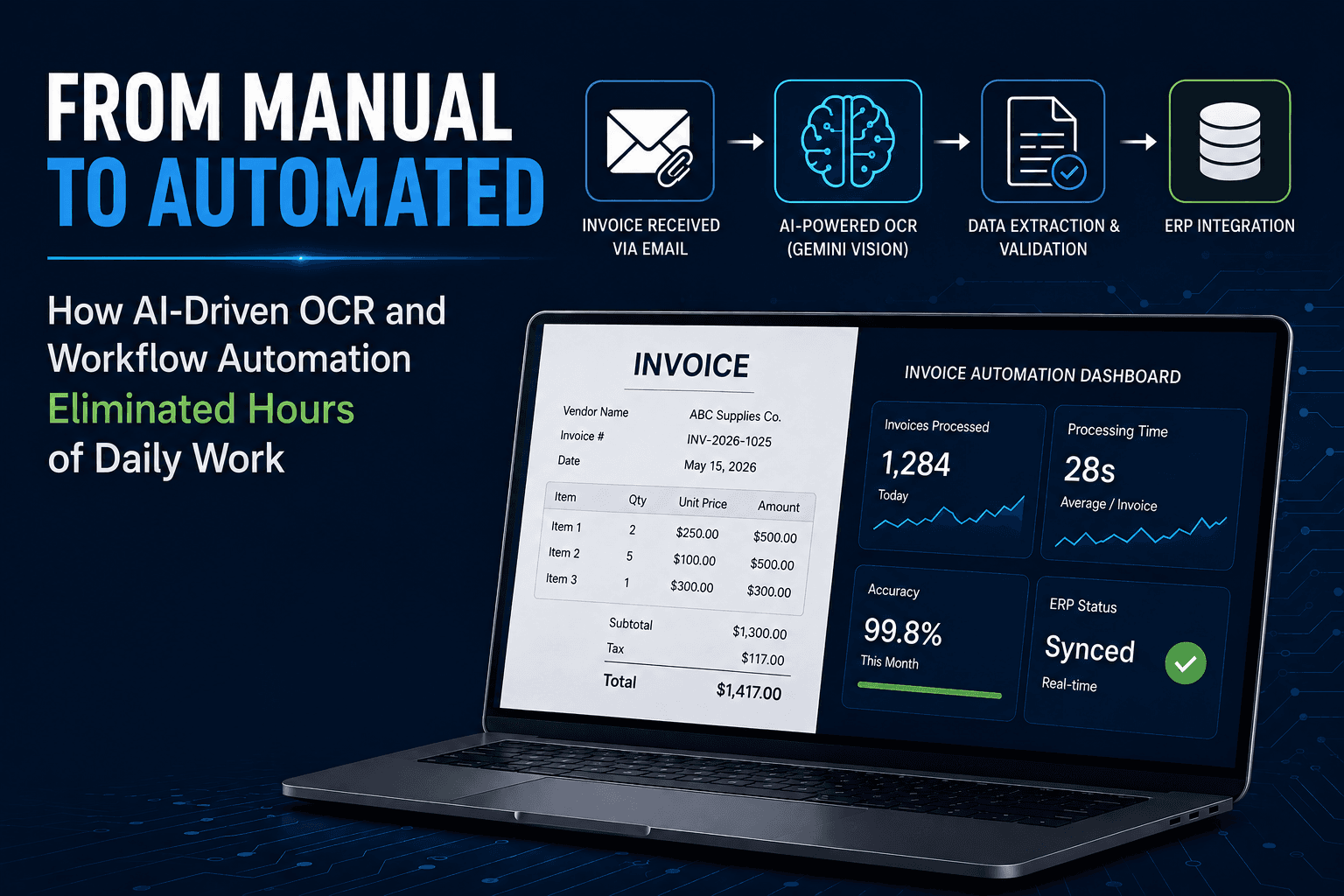
To address these inefficiencies, the IT team initiated a multi-phase automation effort. The goal was clear: create a seamless system that could manage the entire invoice lifecycle, from mailbox to Enterprise System.
This vision led to the creation of two complementary tools — the Mail Saving Application and the Invoice Listing Application.
The Challenge: Manual and Error-Prone Workflows
Before automation, two critical stages of invoice management were entirely manual:
Invoice Saving: Every invoice received in the shared mailbox had to be downloaded manually and saved in the correct supplier folder.
Invoice Listing: Once saved, invoices were manually listed in Excel before entry into the Enterprise System. Each entry required review and verification by another team member.
These manual processes created bottlenecks and introduced errors such as:
- Missed or duplicated invoices
- Incorrect supplier information
- Repetitive work and delayed approvals
- Lost time in reconciliation and reviews
It was evident that automation could significantly reduce human intervention while improving accuracy, visibility, and control.
The Solution: From Saving to Listing - A unified Approach
The automation initiative was divided into two connected solutions, each addressing a key step in the workflow.
1. Mail Saving Application: The Mail Saving Application automates the process of downloading and saving PDF invoices from the shared Outlook mailbox. It identifies unread emails with attachments, saves them into organized supplier folders, and logs every download in an Excel report for easy tracking.
Core Features
- Connects to Microsoft Outlook or the web-based interface
- Scans unread emails for PDF attachments
- Saves invoices in supplier-specific subfolders
- Generates a timestamped folder for each session
- Creates an Excel report with details such as mail date, sender, file name, and status
- Detects and prevents duplicate downloads
- Produces error logs for any failed downloads
Technology
The desktop version integrates directly with Microsoft Outlook, while a web-based version allows scheduled and manual downloads, user management, and activity tracking through a dashboard and file explorer.
2. Invoice Listing Application: The Invoice Listing Application automates the next step — listing all invoices for entry into the Enterprise System. It scans text-enabled PDF invoices from the saved supplier folders and generates a complete Excel sheet with essential fields, ready for review and import.
Core Features
- Automatically extracts invoice details such as date, supplier number, invoice number, PO number, and amount
- Supports processing of subfolders
- Tracks total pages per invoice for quick verification
- Pre-fed supplier address numbers to prevent data errors
- Creates export-ready Excel lists for Enterprise System entry
- Identifies and flags any missing or unreadable invoices
Technology
The application is designed to work with text-based PDFs and can be expanded to support image-based invoices using OCR technology.
How We Built It
Both applications were developed through close collaboration between the finance, operations, and IT teams. The focus was on building solutions that were:
- Lightweight and user-friendly for non-technical users
- Accurate and consistent to minimize human intervention
- Scalable to support future automation of the full invoice workflow
The team began with desktop prototypes, validated them in real use cases, and later expanded into a web-based platform that offers scheduling, logging, and multi-user support.
The Impact: Transforming the Invoice Workflow
Together, the Mail Saving and Invoice Listing Applications have completely reshaped how the organization handles invoices. The combined system ensures that every invoice received is automatically downloaded, stored, listed, and reviewed with minimal human effort.
| Function | Before | After |
| Invoice Receipt | Emails manually reviewed for attachments | Application automatically detects unread emails with PDF invoices |
| Invoice Saving | Files downloaded and sorted manually | Automated saving into correct supplier folders |
| Invoice Listing | Manual entry of invoice details into Excel | Automatic extraction of all required fields |
| Error Tracking | Errors found only during review | Automatic error and duplicated detection |
| Verification | Two-person review for accuracy | Automated output with single quick check |
| Time Efficiency | Hours spent daily on saving and listing | Complete process finished in minutes |
Closing Statement
The Mail Saving and Invoice Listing Applications together mark a significant leap forward in our digital transformation journey. By automating the entire invoice management process from inbox to Enterprise System, we have created a smarter, faster, and more reliable workflow. This initiative demonstrates how focused automation can free teams from repetitive tasks, reduce errors, and lay the groundwork for full-scale process integration across the organization.
Have a project in mind? Let's get to worker
Feel free to reach out if you want to collaborate with us info@foursymmetrons.com or simply have a chat.